Selective Wave Soldering Parameter Settings: A Guide to Perfect Solder Joints in PCB
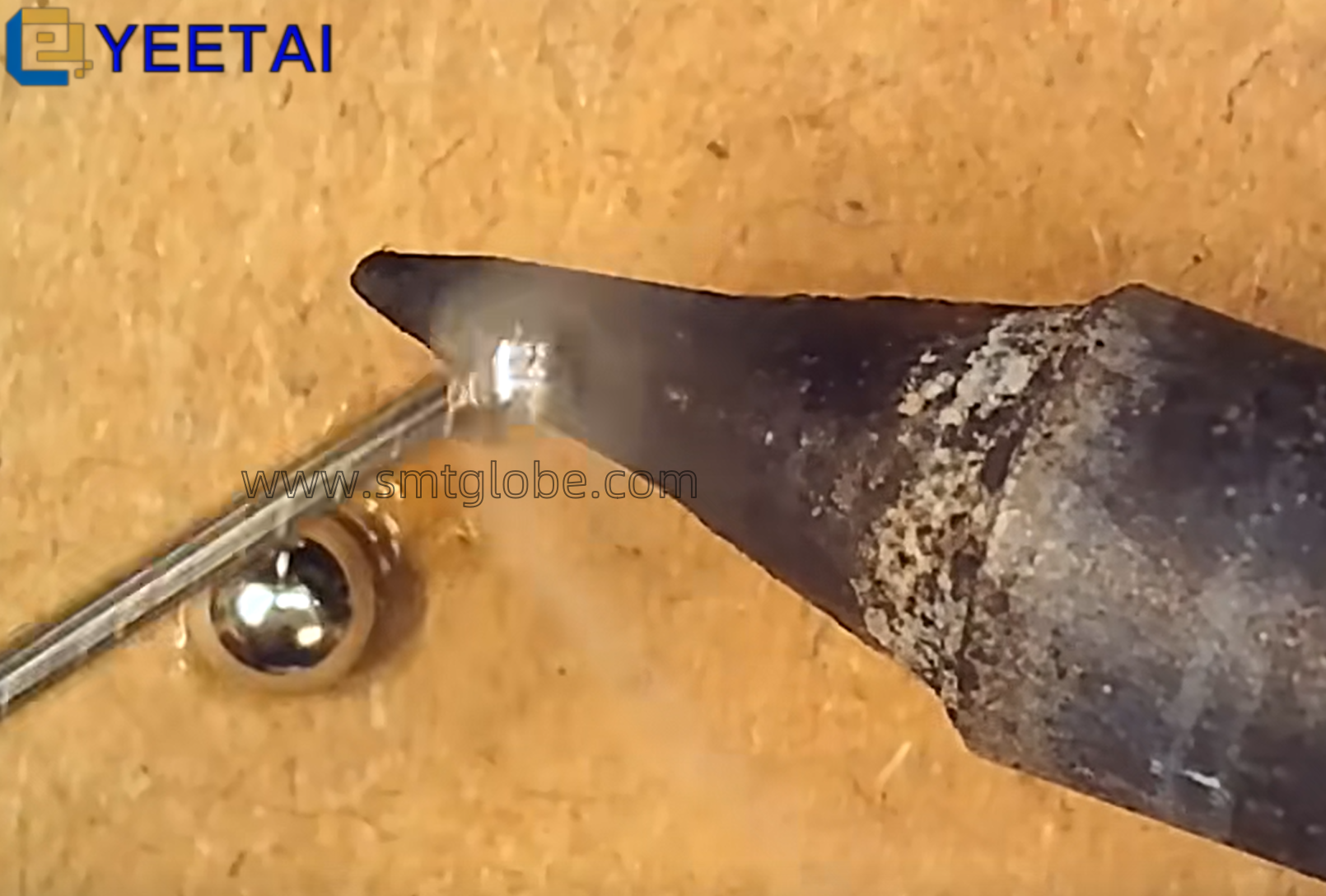
In this article, we are sharing some tips about getting perfect solder joints in selective wave soldering process. On one hand, doing parameter settings is very important when creating the soldering program. On the other hand, we’d better select the suitable selective wave soldering nozzles.

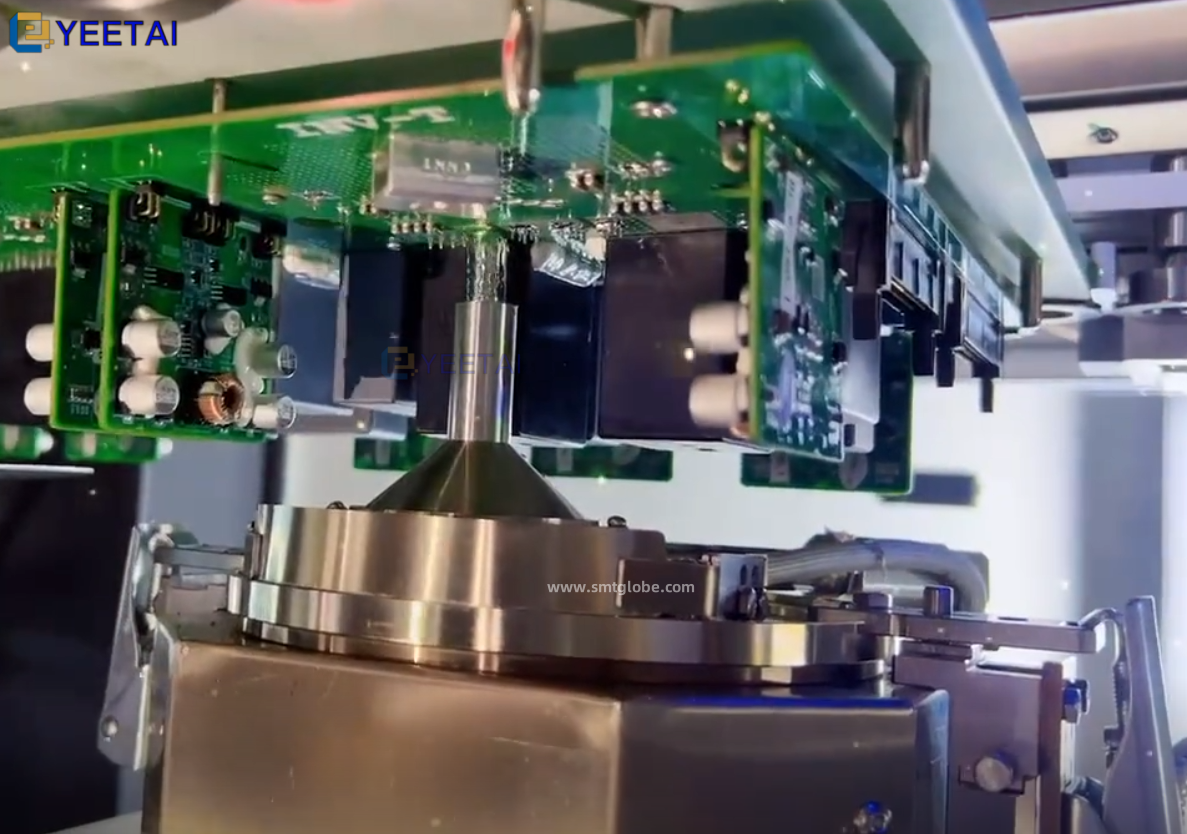
Selective Wave Soldering Parameter Settings
Programming Method
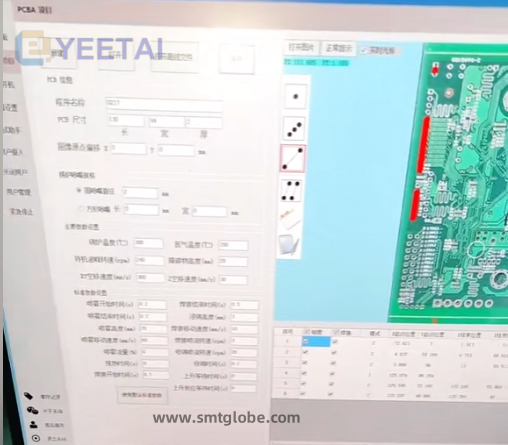
- Create the soldering program – Take a photo of your PCB and upload it to the computer. Use the software to mark solder points and paths, which defines the point-soldering (drag-soldering) mode.
- Set the parameters – Adjust only 7 key parameters to achieve high-quality solder joints:
- Soldering time duration
- Movement speed while soldering
- Solder jet (pump) rotation speed
- Solder suction/withdrawal time after soldering
- (plus three additional related settings)
With these simple settings, you can quickly produce reliable, clean solder joints.
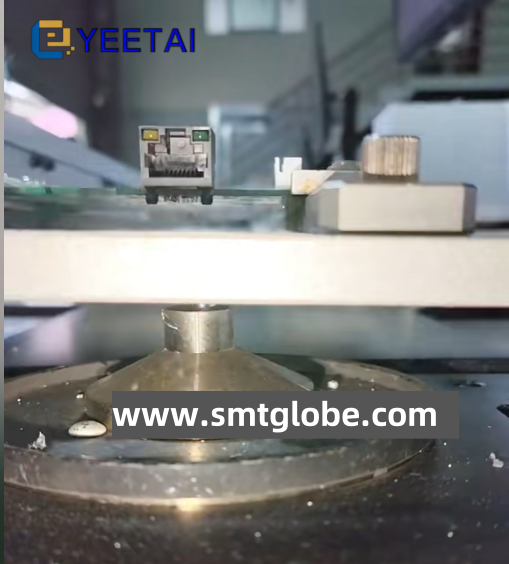
Learn to Achieve Perfect Solder Joints with Selective Wave Soldering
Let’s help you a simple approach to getting great solder joints with selective wave soldering. For more information, please visit our website at www.smtglobe.com.